


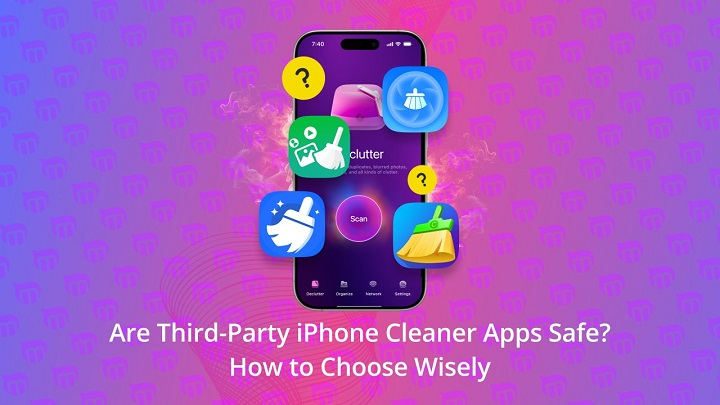
Smartphones now hold more personal information than ever before. This is particularly the case when you consider that, from private photos and messages to contacts, banking apps and login credentials, our phones house a wealth of sensitive information that should be secured as best possible. When storage fills up and smartphones slow down, many people conclude that the best remedy is to install a cleaning app. A favorite is the Cleanup App; it’s frequently found in app stores. But one question we still hear so often and is of great concern to everyone, is Cleanup App safe?
This concern is valid. Any app that scans your phone, reads your files or asks for permissions of any kind is going to get you thinking about privacy and security. In this post, we’ll look at what the Cleanup App actually is and does, how it works, what permissions it claims and whether you should be bothered by it. At the end, you’ll know for sure if the Cleanup App is safe and a good suggestion for your device.
What Is the Cleanup App?
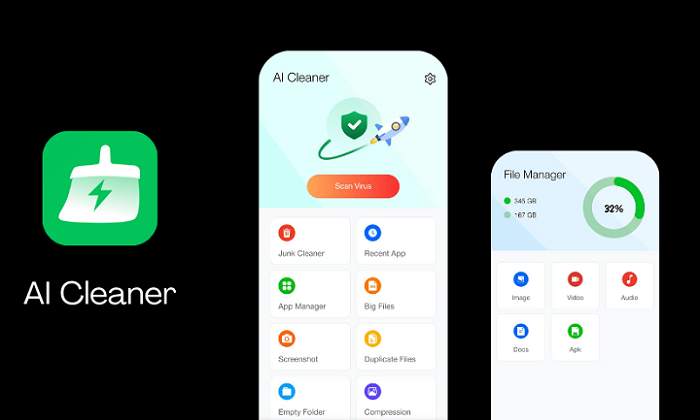
CleanUp App is one of its kind mobile utility app that can help to recover free storage and clean up the space on your Android device. For the most part, that often means deleting duplicate photos, lookalike images or unloved screenshots, big files and junk that builds up over time. Some include contacts cleanup, email cleanup or system optimization functions.
Though, simple is the word which comes to most Cleanup apps. The app scans your device, then shows you which files are safe to delete This puts control in the hands of users to determine what is deleted, not automatically.
How the Cleanup App Works
When you download a Cleanup App, it scans the storage on your device. This scan will help you find files that occupy large chunks of space, or are just double ups like duplicate photos or old videos. The app sorts those retrieves into various categories so users can easily glance over them.
Crucially, the app doesn’t actually delete anything without consent. It displays previews and summaries, so users can decide what to keep and what to remove. After approval, the app wipes chosen files away, freeing the storage relatively fast.
Permissions and access: what does the cleanup app get?
One of the largest safety issues with Cleanup Apps is permissions. For the app to work correctly, it often needs access to photos, media, files and sometimes contacts. It is useful if you want to delete novelty spammers/newfags, and also to just scan for duplicates.
But asking for access doesn’t necessarily equate to abuse. For Cryout Cleanup App process data “on the phone” and does not send it over to external severs. This is so your photos and files stay on your phone, without leaving the app. However, users should always read the permissions carefully and avoid authorizing access they feel is excessive.
Is Cleanup App a Privacy Threat?
The Cleanup App itself, however, is not a threat to the majority of users. Trusted versions for official app stores usually follow platform security guidelines established by Apple or Google. Such platforms have very stringent procedures in place for data access and user privacy.
That’s not to say every cleanup app is created equal. Some free versions are laden with ads, or push subscriptions aggressively. Still others may keep track of data that is not linked to Personal Information. That’s not to say your personal files are pruriently accessed, but it underscores the need for people to read a privacy policy before downloading any app.
Does Cleanup App Steal Data?
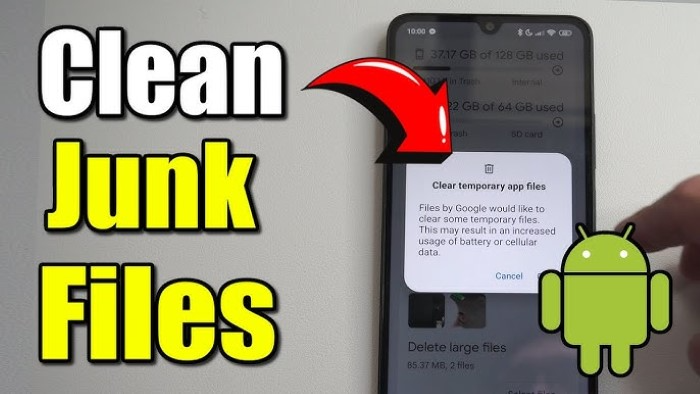
One common concern is that cleanup apps may steal photos, contacts or private information. In the majority of popular Cleanup Apps, there appears to be no direct data theft during installation if downloaded from official app stores. These apps usually don’t report personal content to remote servers.
But beware, apps downloaded from unofficial sources or third-party websites. Those releases might not adhere to security standards and could expose actual dangers. The risks are vastly minimized by staying with reputable app stores.
Security Features and Safeguards
Most of the Cleanup Apps come with safety measures, like confirmations, preview and undo. These parameters are designed to minimize the risk of unintended data loss and give users a peace of mind when cleaning up!
Some apps even come with file recovery features so users can restore a recently deleted file. This is particularly useful for any users concerned about accidentally deleting something important.
Free and Paid Cleaning App, Is safety same?
Free Cleanup Apps Are Safe (and Free) No, free cleanup apps are mostly safe and they can be effective to some extent contrary to what you may have heard from Apple. However, with free programs come limitations such as limited features, a lot of advertisements or paying prompts to upgrade. The paid versions generally provide a cleaner experience, quicker scans and better customer support.
From a safety perspective, paid apps might feel more reputable as they’re likely to depend less on aggressive advertising or data harvesting for income. But free apps from known developers can also be safe good as long as you manage permissions properly.
Most of the Users Possess These Common Issues Regarding Cleanup Apps
Thousands of users fear that Cleanup Apps could be degrading their phone, instead of enhancing it. In fact, the majority of cleanup apps are pretty hands-off, and only scan when you tell them to. They simply do not normally carry out constant background execution.
Another concern is accidental deletion. Users may inadvertently swipe these important pieces of information off the screen if they’re rushing through the clean-up process, but can do so with previews and confirmations offered by most applications.
Who is the Cleanup App For?
Cleanup Apps suitable for people with low storage, and those who make heavy use of photo / video. They can also be useful for people who want a simple way to organize media files instead of manually filing into folders.
But very privacy-conscious or hands-on users will likely prefer system tools that come built in.
When You (Might) Not Need Cleanup Apps
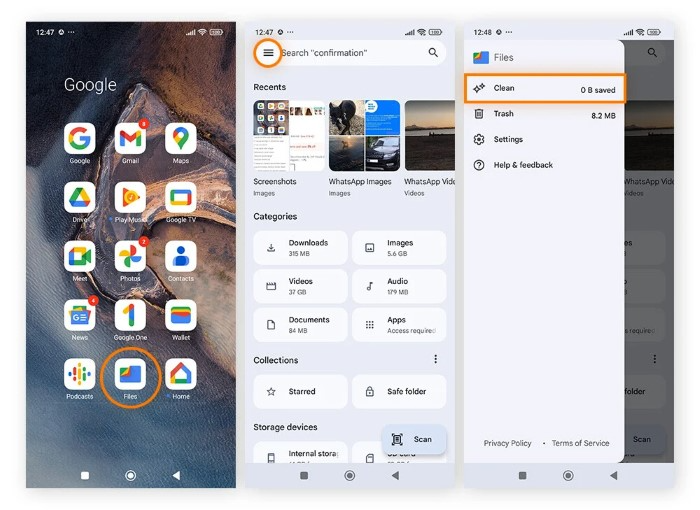
Basic storage management weapons are already built into modern smartphones. For instance, iPhones and Android devices have built-in suggestions for clearing space. If your phone isn’t running out of space, you may not need a 3rd party Cleanup App.
In those scenarios there’s probably not much value in installing another app and it could be seen as unnecessary.
FAQs
Is Cleanup App Safe for iPhone/Android?
Yes, Usually ‘Cleanup Apps’ sourced from official app store are safe if you examine the permission it has asked.
Does the app cleanup delete essential files on its own?
No, most Cleanup Apps are asking for permissions before they remove anything.
Does Cleanup App have permission to see my personal Photos?
It’s only able to see photos if you grant permission, and then the access is mostly put toward finding duplicates.
Does Cleanup App gather my personal information?
A few applications hoover up usage data for their analytics, but respectable ones won’t ever upload personal files.
Shall we pay to a Cleanup App instead?
Paid versions generally have fewer ads and give you greater control over settings, but free apps can be safe if used responsibly.
So, is the Cleanup App safe? Most of the time, yes, as long as you get it from a respectable app store and pay attention to permissions. Cleanup Apps are virtually useful for keeping storage clean, junk-free and boost the device’s performance without needing any skill set.
But safety is also, after all, a matter of user knowledge. Read permission requests, steer clear of sketchy versions and take a moment to check out files before dismissing them. A Cleanup App can be of assistance as long as it is used responsibly, rather than a liability.
A reliable Cleanup App can be both convenient and calming if space problems are giving your phone a hard time and you’re feeling intimidated at the thought of cleaning up by hand. Just remember: control and caution are your friends when it comes to keeping your data safe.