


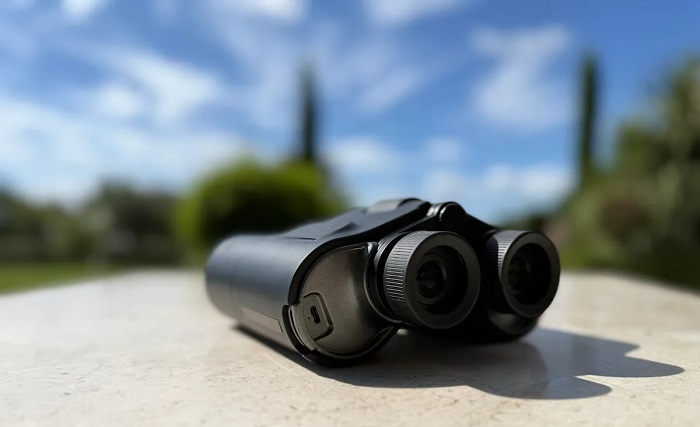
Smartphones have subsumed all sorts of everyday tools — cameras, flashlights, calculators and even compasses. One type which some people are curious about is the binocular app. These apps say they allow your smartphone to function as a digital pair of binoculars, enabling you to zoom in on distant objects by turning the phone’s camera and screen into a surrogate set of lenses. Such an idea seems convenient and enticing to the casual one-off user, travelers, sports junkies or outdoor enthusiasts.
But a binocular app operates quite differently from an actual pair of optical binoculars. It’s important to know what these apps can — and cannot — realistically accomplish before looking to them. This article is a little bit about what a binocular app is, how it works, its advantages and disadvantages, some safety issues and who should be using them at all.
What Is a Binocular App?
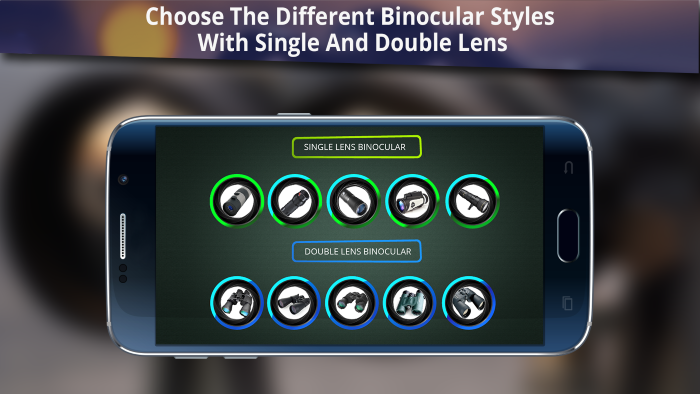
A binocular app is an application on a mobile phone that emulates zoomed-in effects by exploiting the built-in camera and digital zoom system. Unlike traditional binoculars, which rely on optical lenses, the app magnifies the image digitally on your screen.
Zoom controls, stabilizing tools, brightness settings and contrast filters are all used by most of the binocular applications to enhance visibility. Some apps even have a night mode, flashlight support or color filters that can make objects in the distance easier to distinguish.
It is also important to remember that a binocular app does not optically magnify objects the way optical binoculars do. But instead, it just blows up the pixels recorded by the camera sensor, thus degrading image sharpness at high zoom magnifications.
Why People Use Binocular Apps
People use binocular apps for ease of use. You’re not always going to be carrying binoculars around, especially if you’re doing something more casual. A binoculars app provides a quick optical zoom that you can use with the device you take everywhere each day.
Tourists frequently used such apps to look at faraway attractions. Sports fans can zoom into the action from the bleachers. Bird watchers, hikers or inquiring beings of other kinds sometimes used them for casual observation. In cities, binocular apps can be used to read signs, view details on buildings or watch distant things from a distance without being suspicious.
A binocular app seems interesting as a quick, light solution for casual use.
How a Binocular App Works
A simple app aims to replicate binoculars by utilising the camera in a smartphone and applying digital zoom. Digital zoom is achieved by cropping and scaling images, not with optical glass. The phones offer limited optical zooming using multiple lenses, which some of these binocular apps can take advantage of as well.
Lots of apps have sliders to adjust zoom, attainable via in-app purchase, so that you can scale up or back the magnification. Image stabilisation algorithms can even out shaking when zoomed in, and brightness or contrast filters could improve visibility during different times of day.
Many advanced binocular apps offer simulated night vision or low-light mode, for example. This typically enhances exposure and corrects the color, rather than offering actual night-vision technology.
Image Quality and Zoom Limitations
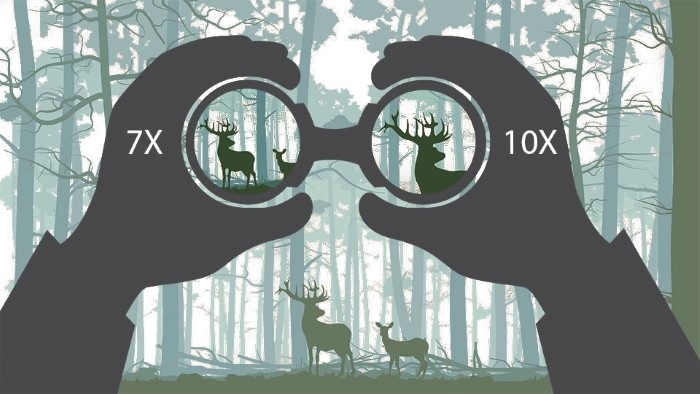
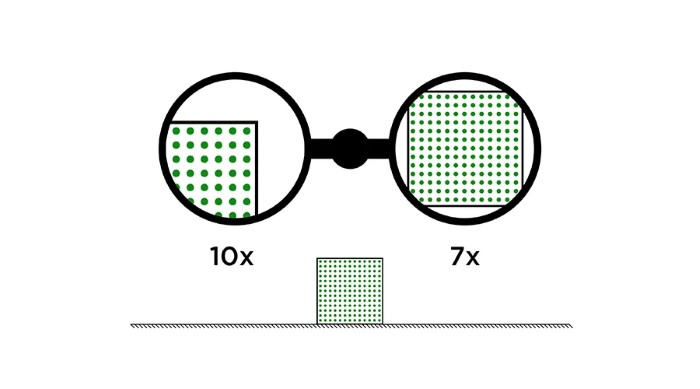
The most significant downside to binocular apps is that they don’t have high-quality images at more extreme zoom levels. Grainy, fuzzy or pixelated images appear as more and more zoom is applied. That’s because digital zoom doesn’t contain any more information — it just makes existing pixels larger.
Phones with more effective sensors and optical zooms outperform older models. But even the best smartphone cameras can’t compete with a true pair of binoculars when it comes to long-distance viewing clarity.
Stability is another challenge. At high zoom, it doesn’t take much of a wobble from your hands for the image to start losing focus. Some apps will offer you stabilization, but it can’t mitigate the inherent hand shake.
Binocular Apps vs Real Binoculars
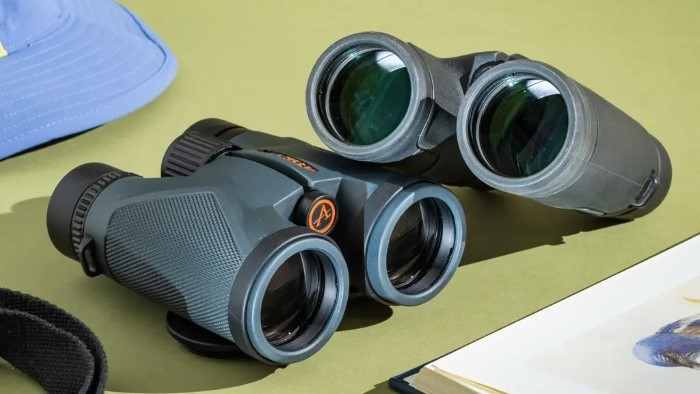
Apps that mimic binoculars and real binoculars don’t have the same uses. Real binoculars are optical instruments that magnify a view of an object without blurring or losing fine visual detail. They do great when they are operating long distance and outdoors.
Hiking apps, on the other hand, are great for relatively short- to medium range viewing where convenience and speed are far more important than precision. Good for casual use, but not for display purposes. Suitable only for casual observation and not for intense outdoor use.
Nothing beats optical binoculars for wildlife viewing, astronomy or surveillance. A digital app is more of an aids supplement than a replacement.
Generic Characteristics are available in Binocular Apps
All the usual suspects of binocular apps are here: zoom controls, camera stabilization and brightness adjustments. Some permit taking screenshots or video recording of zoomed-in views. Others are measurements of compass overlay or distance estimation.
Night mode capabilities are all the rage, but don’t get this confused with true night vision. Those are usually just designed to amplify visible light but not capture infrared radiation.
Some apps also provide color filters or edge enhancement that increase contrast. Although these can be useful under some circumstances, they do not increase the resolution of data sets.
Safety and Ethical Considerations
It’s important to use a binocular app responsibly. Privately recording people or going in close on private property can be privacy concerns. Users should respect personal space and local laws when using camera-based apps.
Binocular apps can never replace professional binoculars while driving or using machinery. Glancing back and forth from your phone to a zoomed-in image is the very definition of distracted driving.
As a final note, users should be aware of apps asking for unnecessary permissions. Camera is necessary, but other permissions can be scrutinized.
Who Could Use a Binocular App
Casual users looking for an occasional zoom function are best served by binocular apps. Perfect for travelers, conference attenders, students and hobbyists on the go.
Not suitable for professional wildlife tracking, hunting and maritime or security navigation. If that’s not you and all of this is just occasional or across a longer turbulent path, buy yourself some proper glass.
On the educational side of things, binocular apps do a great job at showing off how zoom effects work, how perspective affects your depth perception and the limitations that occur with cameras in a very simple to understand manner.
Choosing a Good Binocular App
A good binocular app should make no secret about its range of possibilities. Apps that claim to produce “extreme zoom” or provide “military-grade vision,” for example, are typically overselling results.
Look for apps that offer easy zoom controls, stabilization and a clean interface. User reviews can be useful in managing expectations. Apps which work offline and include little advertisement generally perform better.
Privacy policies are also important. Opt for apps that explicitly describe how camera data is used and stored.
Can Zoom Camera Apps Use Binoculars Instead?
In most cases, no. Smartphone cameras have gotten much better, but they still rely significantly on digital zoom. Specialized cameras and binoculars feature optic systems that maintain detail with crystal-clear focus.
All that said, binocular apps can get the job done when there is no other tool at hand. They are convenient for transient use and temporary observation.
FAQs
Do binocular apps really work?
Yes, but not completely. Which means digital zoom, not proper optical magnification.
How a binocular app can possibly replace an ACTUAL pair of binoculars?
They are not. Actual binoculars provide a much better resolution and distance viewing ability.
Are binocular apps safe to use?
Yes, used responsibly and with privacy and safety in mind.
Do binocular apps work in the dark?
Some have low-light or night modes, but most do not offer true night vision.
Does the quality of your phone make a difference to binocular app performance?
Yes. Better cameras and optical zoom features produce better results.
A binocular app is a supermassive digital tool in our hands that help you to visually zoom-in your far parked car, your building roof and anything you want. It excels in casual, short-range viewing where convenience trumps precision. It’s no replacement for an actual pair of binoculars or professional photographers gear, but it is a good backup tool to have when that one workman still feels like he is in your personal space.
Understanding its limitations is key. A binocular app experiences what your camera can experience — it does not have any new optical capabilities. Though they are not without their faults, with responsible use and reasonable expectations, they can be a valuable addition to your smartphone toolkit.
A binocular app could actually be quite handy for anyone who needs something portable and at-a-glance. Classic optical solutions still excel in high-end observation jobs.