



Apps are the lifeblood of smartphone use. From communicating on social media and messaging apps to banking, working or getting entertained, we depend on apps that work seamlessly. Now and then, apps can crash or simply stop updating or pulling in new content. Then, they will ask “Why is my app not refreshing?” and think whether it is possible to refresh an app at all or can the issue be resolved.
Opening and closing app is a common yet fastest way of fixing problems while not having to uninstall and factory reset the device. In this guide, we’re going to tell you what it actually means to refresh an app, go through different ways you can do so on the iPhone and Android devices and give you a look at when refreshing works and when it doesn’t.
What Does It Mean to Refresh an App?
Refreshing an app is nothing more than a way of telling the app to “reload its content” or to restart its background processes. Refreshing your account doesn’t delete your account, settings or saved information the way uninstalling does or clearing all data on a device does. Rather, it resets the app’s active session so that it can fetch fresh data or properly restart.
Refreshing could even mean opening and closing the app or deleting cache data (temp files) for a device and an app.
Why Apps Need Refreshing
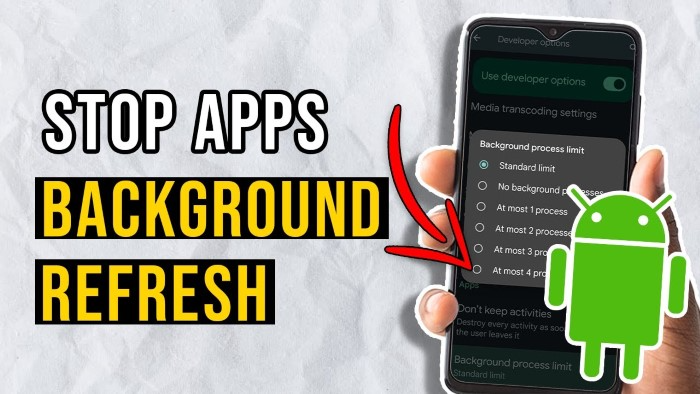
Apps are constantly in touch with the internet, background services and system resources. Over the years, these interactions can produce minor hiccups. Just like your attempt to capture a Gym, network issues, lapsed sessions or full memory can stop an app from updating as it should.
Refreshing works to reset these processes, solving the issue temporarily and allowing the app to reconnect to servers and display new content. This is particularly relevant for apps that are heavily reliant on real-time data, such as email, social media, navigation and finance apps.
Manually Closing and Reopening an App to Refresh It
Pretty one of the easiest ways that has a proven track record you to refresh an app would be by shutting it down and then open it once again. This causes the app to relaunch itself, re-running its lifecycle.
On iPhone as well as Android, if you close an app, it removes the app from active memory. Relaunching the app reloads data, reopens connections and removes small bugs. This process is good for apps that freeze, become sluggish or are downright unresponsive.
Using Pull-to-Refresh Inside an App
Most apps offer a built-in way to do this using what’s called “pull-to-refresh.” It gives the ability for users to manually refresh content without having to reopen the app. You just swipe down within the app until you see a refresh animation.
When content won’t update, such as new messages that don’t appear or social media feeds with old posts. Pull-to-refresh sought new data from the app’s servers, but didn’t interrupt an entire session in the app.
Refreshing Apps on iPhone
App management is handled well by iPhones, but they can still benefit from being refreshed now and then. Closing and reopening an app can usually do the trick if one is misbehaving. Another useful feature is background app refresh, letting apps refresh content while not in use.
When background refresh is turned off, apps won’t automatically update and may appear to be stuck. By implementing this feature you can increase controllers performances and avoid manual refreshing.
Refreshing Apps on Android
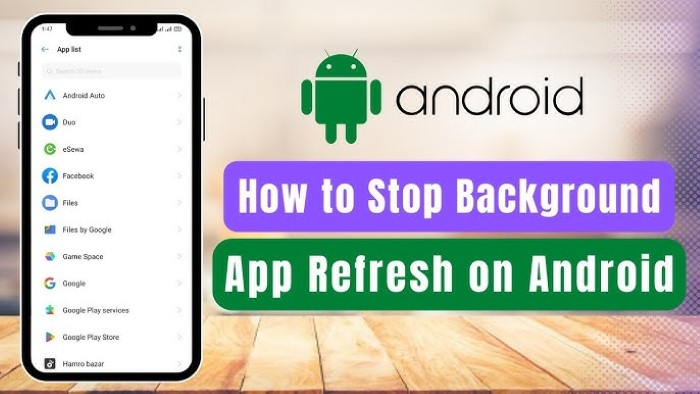
Refreshing apps can be done with a bit more freedom on Android devices. Apart from re-opening it, and closing it again, Android also lets you clear your app’s cache. Cache files are temporary data that allow the system to perform faster, but some cache can become corrupt and cause apps to misbehave.
Clearing the cache means you delete temporary files, not your personal data, and it can help fix loading or syncing problems.
Restart your phone to refresh an app
If simply refreshing the app itself doesn’t cut it, kill your phone will. A restart flushes system memory, resets background apps and terminates conflicts that are hurting several apps at once.
This technique can be particularly effective when multiple apps are misbehaving or the phone feels slow in general.
Refreshing Apps by Updating Them
Old apps might fail to work properly because of compatibility or server-side changes. Updating the app means you have the most recent version with any bug fixes and performance improvements.
If refresh does not solve the issue, expect to see update checks.
When Refreshing the App Doesn’t Help
Refreshing is helpful for simple problems, but certainly won’t solve bigger issues like corruption of your installs, server outages or account-associated hiccups. In such cases, you may need to log out and in again, reinstalling the app or wait for server fixes.
Knowing the limits of refreshing can save you from unnecessary frustration.
Common Myths About Refreshing Apps
A popular myth is that refresh deletes data. Actually, nothing is cleared out by refresh. Refresh is also mistaken as harmful to apps or devices. Refreshing is a common and perfectly safe practice in the design of apps.
Some also think refreshing will extend battery life. Too much refreshing that could actually lead to more battery consumption, as it fetches the data again and again.
Keeping Apps Running Smoothly Best practices for maintaining smooth-running apps
Keeping your phone up to date, having a stable internet connection and powering down unnecessary background apps can cut down how often you need to refresh. Staying on top of your app updates, and restarting your phone every now and then also help things run more smoothly.
Refresh as a maintenance, rather than full constant fix gives better long term results.
FAQs
What is the application refresh easiest method?
Force closing and re-opening the app is easy and it works!
Will refreshing an app remove my data?
Refreshing does not wipe/erase personal data or settings.
How come an app must be refreshed frequently?
Updates can be blocked by poor internet, background limitations or temporary glitches.
After a phone refresh, what happens to the phone?
No. Refresch is on the app, restart resets everything.
Can refreshing fix app crashes?
It will remedy minor crashes but if the crashing persists then an update or a re-installation might be called for.
Being able to refresh an app is a basic skill anyone should have with a phone. Apps freeze, crash, fail to load new content or just act weird; in all of these instances, refreshing is often the fastest fix. It permits apps to reset connections and to clear short transmission errors without affecting the data.
A refresh may not be a panacea, but it is an essential first step when contemplating the more extreme options. When used properly, it can save time, minimize frustration and keep your apps running well.
Once you realize when and in what manner to properly clear your apps, you’ll have better leverage over your device — and a more seamless digital going experience.